Sensible restrictions for screentime for kids and supporting design that empowers the parent and kid relationship and doesn't re-enforce control
Project Overview: Leading the visual and UX design projects for a popular parental control app worldwide across iOS, Android and webapp.
My main projects/responsibilities at Screen Time were:
- Improving the main interface over 2 projects, incorporating photos uploading by users, intuitive touch interactions and improving the clarity of the UI for main functions.
- Improving the on-boarding process from end-to-end encompassing several complex routes.
- Reworking and repositioning a key app function.
- Improving the app iteratively base on observation, bugs and user feedback and testing.
- Supporting all marking, email, web, motion graphics and search visual needs.
- Leading user testing and usability research and implementation.
- Key point of contact for overseas and in-house development work from product management and ticket writing perspective.
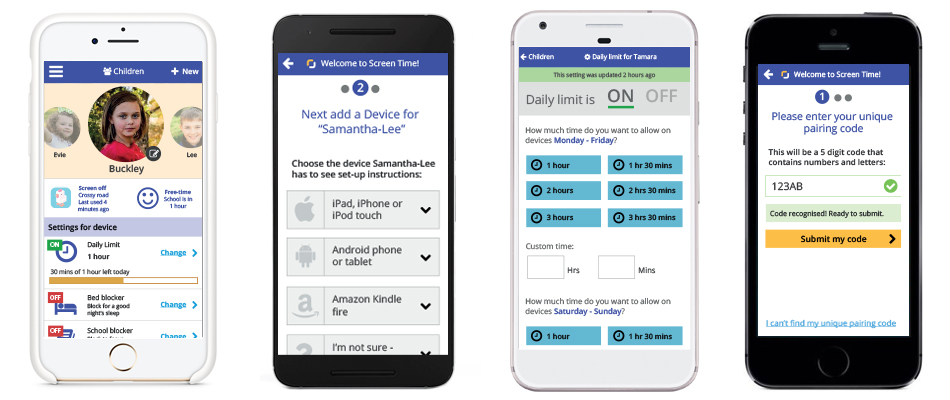
Above: App Screens
All projects were approached from a lean UX angle given the resources of a start-up business.
User-testing and usability research featured heavily throughout all projects and included various methods of information gathering from guerilla research with local parent groups to customer surveys to standardised remote user-testing to Heuristic evaluation.
During my time at Screen Time I helped improve quality of impressions, customer opinion on UI and conversion through my various projects.
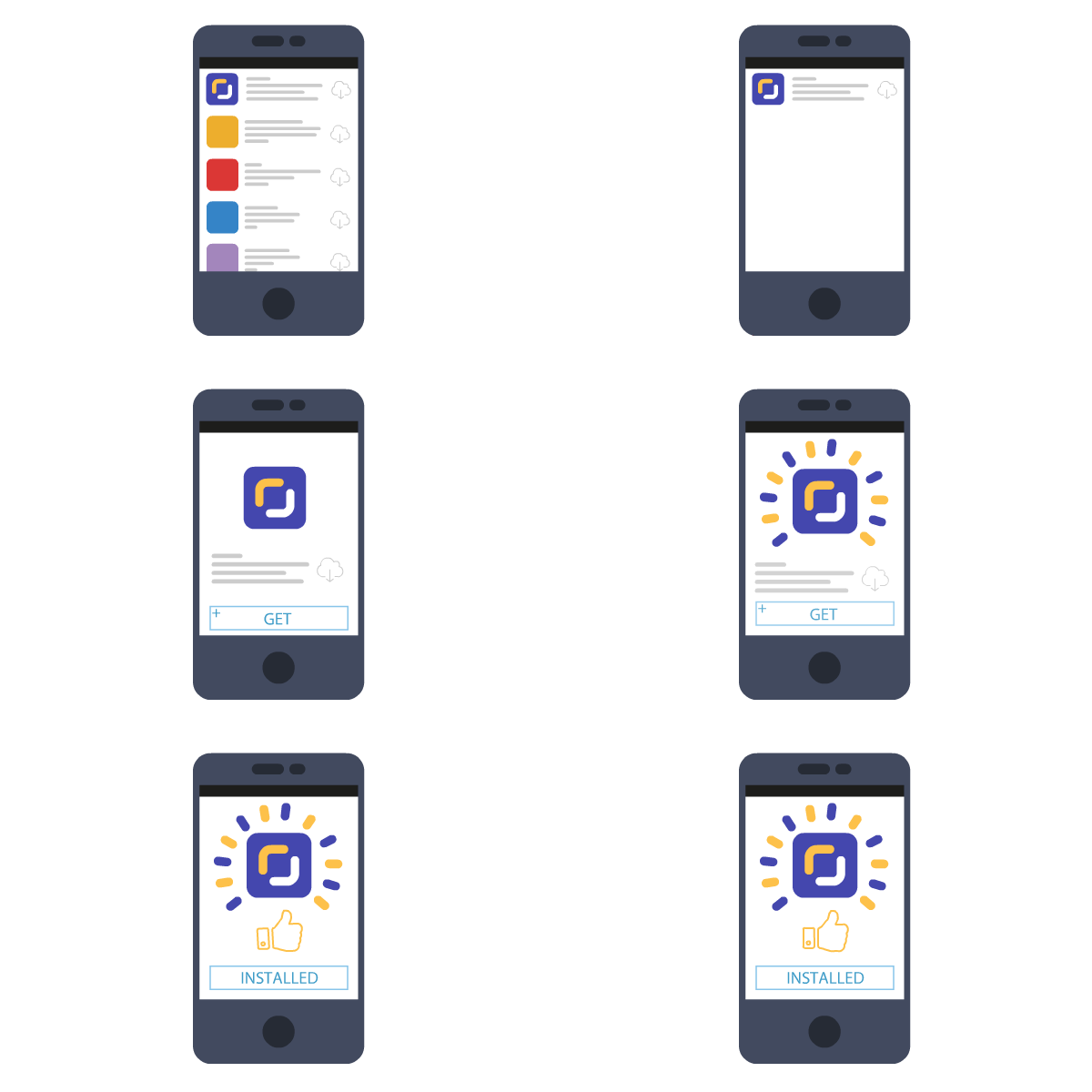
Above: Install animation
The software used in this role includes: the full Adobe Creative suite, Invision, Remote Usertesting, Marvel, Wireframe.io, Basecamp, Trello, Front-end coding in Intellij and Sublime text 2.
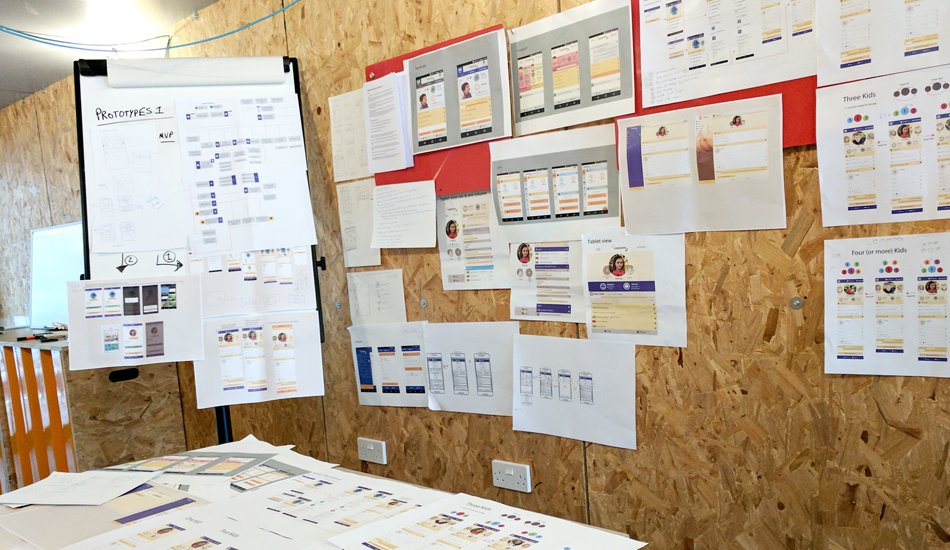
Above: ScreenTime workflows